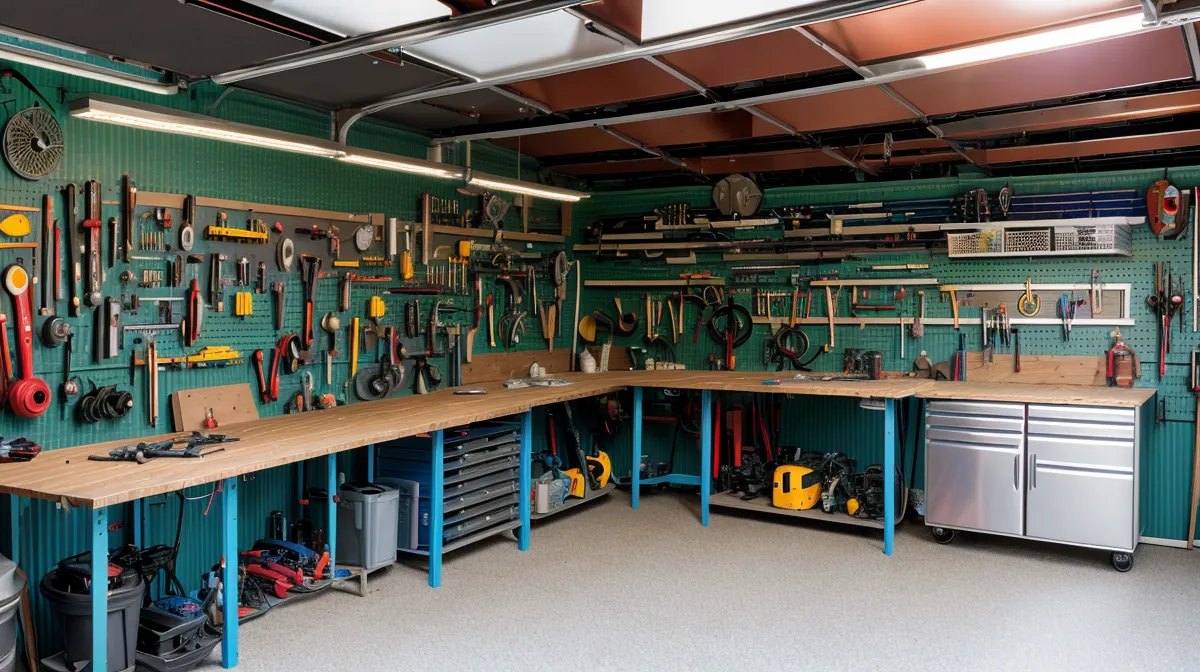
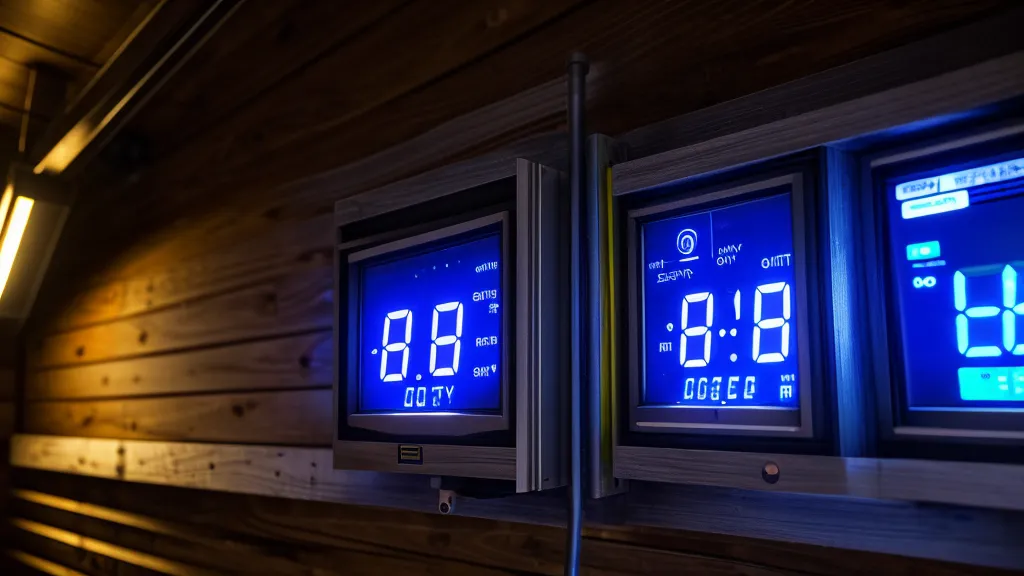
Five kilowatts. That's what the display on my newly wired home energy management system claimed my DIY solar array was producing, well after sunset, with the Phoenix sky fully dark. That number is basically why energy monitoring exists in the first place: it catches the moment your smart home automation logic and your actual wiring disagree with each other, and mine disagreed loudly enough that I nearly grabbed a flashlight to go check the panels myself.
People ask me roughly the same handful of questions once they've seen photos of this build, so I'm answering them straight here instead of dressing this up as a tidy build-log narrative. None of what follows makes me an electrician; I'm an IT support guy with a multimeter and a healthy respect for live bus bars, and if you're opening your own panel, talk to a licensed professional before you touch anything.
Why Did the Dashboard Say I Was Generating Power at Midnight?
That five-kilowatt ghost reading came down to two mistakes stacked on top of each other. The current transformer clamps that snap around your main service wires only work correctly one way: there's an arrow on the housing, and it has to point toward the load, not back toward the meter. Get that backwards and the system reads a normal draw as generation, the electrical equivalent of confusing which direction traffic is supposed to flow through a switch port.
The second mistake was worse. Most US homes run split-phase power, two 120-volt legs sitting 180 degrees out of phase to make the 240 volts a dryer or AC compressor needs, and I'd swapped which leg the monitor thought was which. Once Leg A and Leg B are mislabeled, the math doesn't just get a little off, it flips sign entirely, which is how you end up with a straight-faced claim of solar output under a completely dark sky. The fix, if you're chasing a reading like this yourself, is boring: pull up the wiring diagram and confirm each CT clamp's arrow and leg assignment against the panel schedule before you trust a single number the dashboard shows you.
The Wiring Itself: RS-485 Runs, Copper Gauge, and a Resistor Everyone Forgets
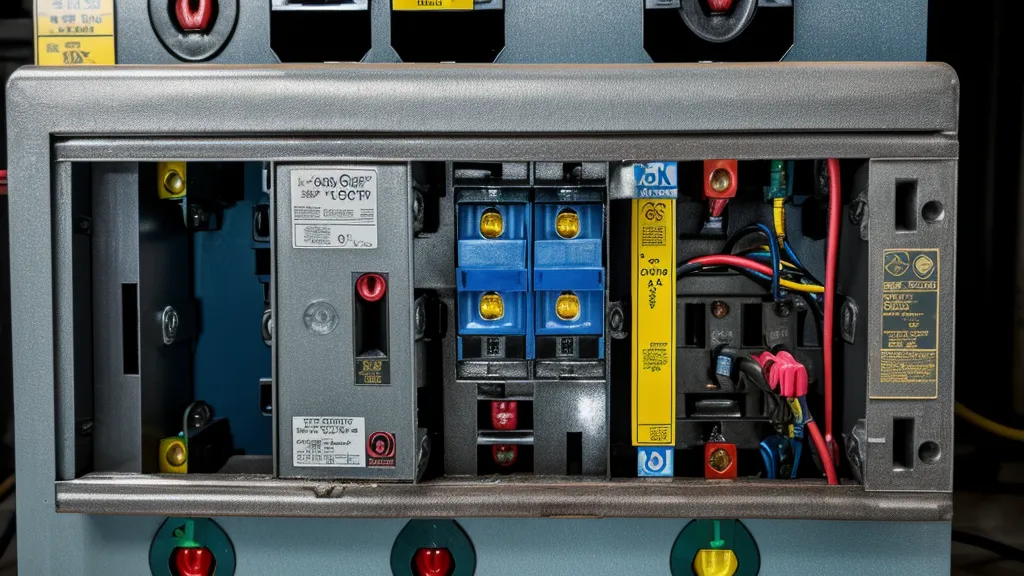
Running the physical cable took longer than the electrical theory did. RS-485 communication cable is rated to run up to roughly four thousand feet under the TIA/EIA-485 standard, which is comically overkill for a suburban lot, but it meant zero signal degradation worries between the panel sensors and the controller. For the higher-load monitoring points I ran 10-gauge copper, which the NEC ampacity tables rate around 30 amps, enough headroom for a water heater circuit without derating anything.
None of it worked the first time, for the record. I crimped one data connector backwards, an easy mistake on a Modbus connector that looks almost like an RJ45 jack, and stared at a blank screen for twenty minutes before I caught it. Then the readings came back nonsense until I remembered the 120-ohm terminating resistor that Modbus RTU needs at the far end of the bus; skip it and the signal bounces back down the line and confuses the controller, the same way an old unterminated coax network used to fall apart.
A reader named Juniper Halloway emailed me a while back about a 12-volt battery bank that kept tripping its breaker no matter what she tried, and it turned out to be an undersized interconnect wire between cells rather than a bad battery at all. She was upfront that she'd worked it out from a forum thread rather than guessing alone, which is honestly how most of us solve these things. Wire gauge is not the place to save money or skip a step, whether it's a communication bus or a battery interconnect.
Do I Actually Need a Full Home Energy Management System, or Is a Plug-In Meter Enough?
Outside the Costco on Paradise Valley Parkway, a neighbor cornered me a few weeks back and asked more or less this question: did he need the whole panel-level setup, or would one of the cheap plug-in meters tell him what he needed to know. Honestly, it depends on what you're trying to answer. A plug meter is fine if you just want to know whether the fridge or the pool pump is the bigger drain; that's closer to a home energy audit question than a wiring project.
Panel-level CT clamps earn their keep when you want the system making decisions for you: shifting loads, tracking self-consumption against what your panels are actually producing right now, flagging a leg that's drawing more than it should. Kwame, a solar-forum contact of mine over in Glendale, is a good test for whether a number is worth trusting: he wouldn't believe my early clamp readings until I sent him the raw logs, and that skepticism is basically the right default before you let any automation act on data like this.
Should Appliances Run at 2 A.M. to Catch Off-Peak Rates?
Not automatically, and this is where most of the generic advice falls apart. The common wisdom is to shift your dishwasher and dryer to the middle of the night to dodge peak utility rates, but once the HEMS was actually logging my usage against my solar output, moving those loads to 2 a.m. quietly increased my bill instead of shrinking it.
Running the dryer at noon uses electrons my own roof already made; moving that same load to 2 a.m. means buying it back from the utility instead, peak rate or not. Some Phoenix utility plans also carry demand charges tied to your single highest usage spike, so if your automation stacks the AC, the dryer, and anything else at exactly 2 a.m., that one spike can erase whatever the off-peak shift was supposed to save. I ran into this same load-balancing tension while wiring my Power Grid Generator for Home Office Use: My IT Server Setup, where server uptime kept fighting with battery depth of discharge until I sorted out the same priority order: match loads against your own production first, the grid second.
Where This System Stops and Other Projects Begin
This build answers exactly one question: how to monitor and route power you already have wired. It stops there on purpose. How efficiently your charge controller pushes current into the battery bank, PWM versus MPPT, is a separate argument with its own trade-offs. Whether your panels are wired in series or parallel changes your voltage and amperage numbers before any of this monitoring even sees them, and none of that gets fixed by better monitoring wiring.
A few more boundaries worth naming: whether your inverter puts out a clean sine wave or a modified one matters for what you can safely plug into it, but the HEMS doesn't care either way. Battery bank sizing is its own project entirely, and no amount of clean monitoring data rescues a bank that was undersized from the start. Panel tilt angle for summer output is a rooftop problem, not a wiring one, and it probably moves your numbers more than anything covered here. If you want the fuller picture of how a system like this fits into a broader setup, I laid that out separately in how the Energy Revolution system helps reduce home energy use.
What Changed My Mind, and What Flatly Didn't Work
Not everything I tried before this build earned its keep. Reflective window film on the south-facing patio doors, sold as a serious heat-blocker, dropped the room maybe two or three degrees at best: noticeable if you're standing right at the glass, useless on the actual bill. The HEMS data made that kind of thing obvious in a way guessing never did.
What it did confirm was smaller and less dramatic than I expected. One afternoon the battery bank sat at a flat 14.1 volts for hours while the utility meter outside never so much as twitched, and that quiet, unmoving number told me more about whether the system was actually working than any single flashy spike ever has. Good monitoring mostly just tells you when nothing interesting is happening, and that turns out to be the answer worth having most days.
Wire the clamps with the arrow toward the load, terminate the RS-485 bus, and confirm your leg assignments before you believe anything the dashboard tells you. Get those three things right and the rest of this is just patience with a multimeter.