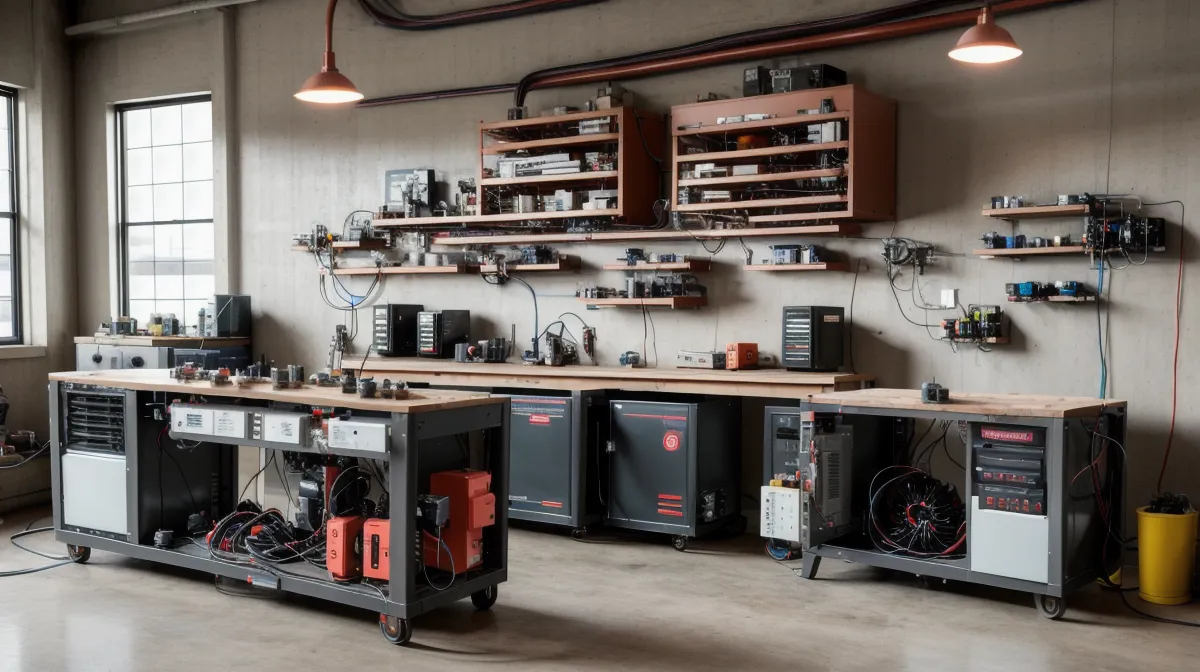
Sitting on an overturned five-gallon paint bucket in my Phoenix garage late one hot afternoon, I watched my kid's tablet screen blink an angry low-battery red. The cooling fan on my experimental generator bench wailed like a handheld vacuum cleaner, yet the tablet's battery indicator was completely stuck at two percent.
It was one of those moments that humbles you. I spend forty hours a week troubleshooting enterprise networks, isolating packet drops, and diagnosing faulty server power supplies. Yet out here in the garage—surrounded by pegboards, half-empty cans of WD-40, and a DIY bench that my wife insists looks like an abandoned Radio Shack—I could not seem to push juice into a standard consumer tablet without the entire rig having a nervous breakdown.
If you have built or are experimenting with a power grid generator setup, you have probably run into this exact wall. On paper, it sounds absurdly simple: the generator captures or produces electrical energy, buffers it into a small battery bank, and you plug your device in. But consumer electronics—tablets especially—are surprisingly picky about their power diet. Getting them to charge reliably off an off-grid bench requires understanding why modern mobile hardware behaves less like a lightbulb and more like a sensitive network client.
The AC Inverter Trap: A Rookie Double-NAT Blunder
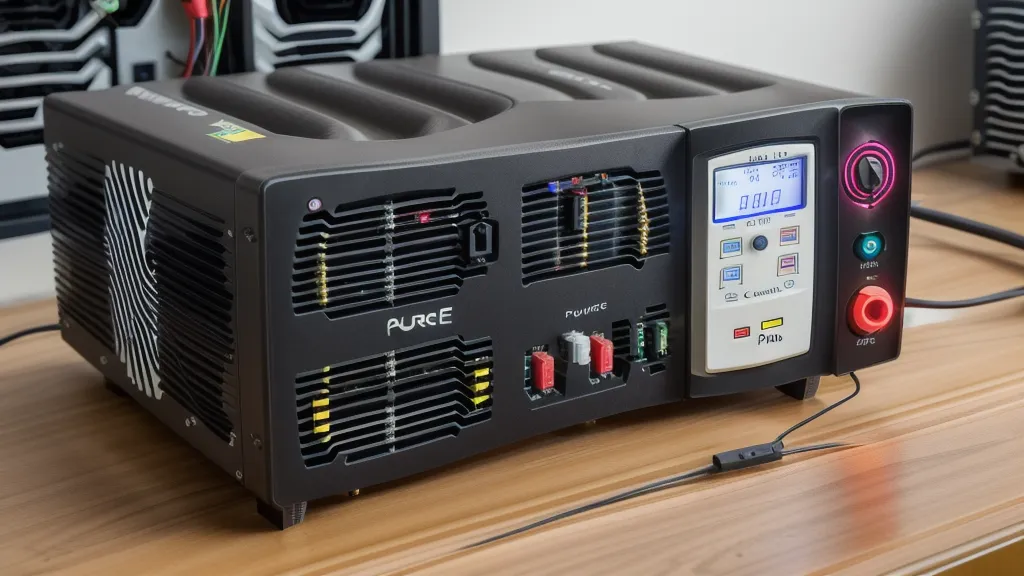
Back in early June, when I first started routing small electronics through my bench setup, I made the classic rookie mistake. My generator assembly was feeding a low-voltage DC terminal strip hooked to a small 12V storage battery. Because I wanted to charge an iPad, I did what anyone conditioned by wall outlets does: I took an ordinary 500-watt pure sine wave inverter, clamped it to the 12V terminals, flicked the switch, and plugged the tablet's factory wall brick into the inverter's standard household outlet.
In IT networking, we have a term called double-NAT (Network Address Translation). It is what happens when you plug a consumer router into another router, translating local IP addresses twice. It works for five minutes until everything breaks, latency spikes, and your connection chokes. Running a generator's DC power through an inverter to make 120V AC, only to plug in a power brick that turns it right back into low-voltage DC, is the electrical equivalent of double-NAT.
It technically passes power, but the overhead is obscene. More importantly, it creates a mountain of parasitic waste.
After about three weeks of running this setup, I noticed my battery bank was bleeding energy at an alarming rate during simple charging sessions. That led me to bust out my digital multimeter to measure what was happening between the generator rails and the tablet. The sharp snap and bright blue flash when my multimeter probe slipped off the terminal block onto the metal casing gave my heart a healthy jump start and left a carbon smudge on my bench chassis—a blunt reminder that even low-voltage DIY systems deserve respect. (I should pause and state the obvious here: I'm not an electrician or an electrical engineer. I'm just a desk technician with curiosity and an ongoing grudge against my utility company, so please consult a licensed electrician before you touch any live high-current wiring or permanent house panels.)
Once my probe was safely seated, the numbers told an embarrassing story. A standard baseline USB voltage operates at 5V DC, and a standard iPad 10th gen battery capacity sits right at 28.6 Wh. Meanwhile, my small inverter pulled an idle draw between 6W to 10W just keeping its own internal circuitry awake with zero load attached. That meant before a single electron reached the tablet, the inverter was burning nearly a third of the tablet battery's total capacity every hour just idling. Realizing the cooling fan on the inverter was burning more energy than the tablet screen I was trying to run was the exact moment I shut the inverter off for good.
Why Tablets Refuse to Charge Directly from a Generator Coil
Naturally, the next DIY instinct is to go the opposite direction: ditch the inverter and tap directly into the generator's raw DC output. But that brings you face-to-face with an entirely different obstacle, which caught me off guard on one sweltering afternoon in July.
I attempted to run a direct line from my generator's regulated DC bus directly through a basic stepping diode to the tablet. The screen lit up for two seconds, displayed the charging lightning bolt, and then abruptly disconnected. Five seconds later, it tried again: connected, disconnected, connected, disconnected. Within a minute, the tablet locked out the charging port completely with an accessory error message.
Charging your tablet directly from a generator output often triggers protective shutdowns because the unstable voltage fluctuations confuse the device’s sensitive charging controller. Modern mobile devices do not just blindly accept voltage. Inside every iPad, Galaxy Tab, or Fire tablet sits a dedicated power management integrated circuit (PMIC). The PMIC negotiates with the power source using standardized communication protocols.
When you plug a cable in, the device expects an ultra-clean DC rail. When the generator spins, pulses, or encounters slight mechanical or magnetic resistance variations, minute voltage ripples enter the line. In network terms, think of it like severe packet jitter. If the baseline 5V DC supply sags by even 0.3 volts when a magnetic pulse shifts, the PMIC perceives this sudden voltage drop as a failing wall brick or a shorted cable. To protect the sensitive lithium-ion cells from thermal runaway or unbalanced current spikes, the PMIC immediately trips an internal circuit breaker and refuses to draw power.
The Clean Solution: Step-Down Regulation and Buffer Storage
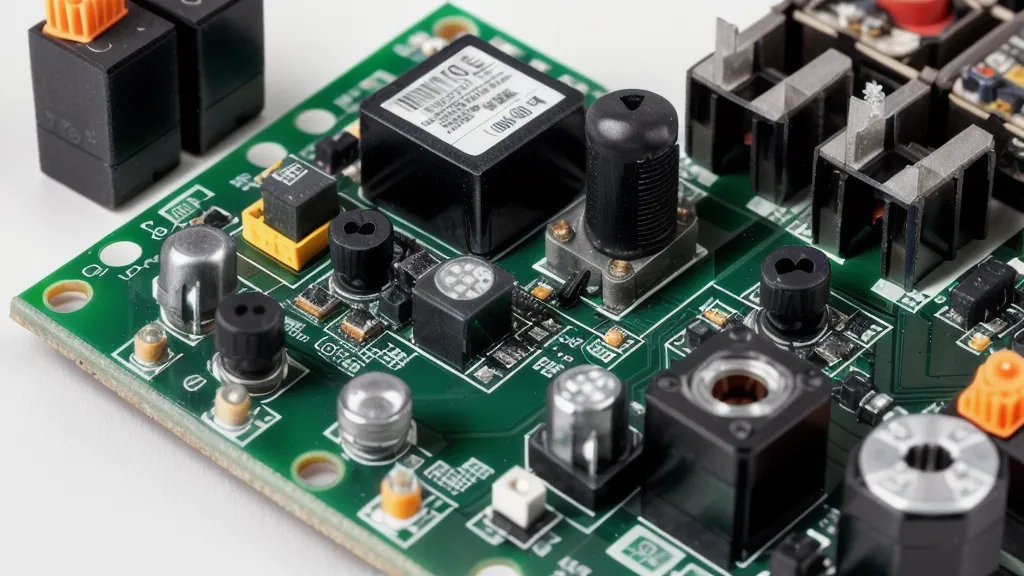
If you want to charge tablet devices safely and reliably from a power grid generator, you have to clean up the signal and isolate the tablet's PMIC from raw output spikes. The topology requires three distinct stages: generation, buffer storage, and precision DC-to-DC step-down regulation.
Instead of relying on the generator to supply instantaneous current to the USB port on demand, the generator must feed into a stable intermediary—usually a small 12V sealed lead-acid (SLA) or lithium iron phosphate (LiFePO4) battery. That battery acts like a high-capacity capacitor or a network buffer queue: it absorbs the erratic pulses and inductive spikes produced by the generator and outputs a steady, predictable DC voltage.
From that 12V battery rail, you completely skip AC conversion and install an automotive-grade buck converter module designed for high-efficiency USB output. A solid step-down converter takes that 12V to 14.4V swing from your battery bank and smoothly steps it down to the standard 5V baseline or handles active power delivery handshakes without losing power to an inverter core.
Here is the exact hardware topology I use on my garage bench to keep mobile devices running clean:
- Generator Output Stage: Generator stator/coils routed through a full-bridge rectifier to output raw DC.
- Charge Controller/Limiter: A basic charge regulation circuit that prevents overcharging the 12V buffer battery when the generator is active. (I took a similar approach when figuring out how to build a solar powered battery charger for deep cycle batteries, and the isolation principles are identical).
- Buffer Battery: A modest 12V battery serving as the stable baseline reservoir.
- Fused Distribution Block: A marine-style terminal block with an inline 5A blade fuse on the positive rail. Never skip the fuse; wire mistakes happen fast.
- Multi-Protocol USB-PD Buck Module: A dedicated 12V-to-USB step-down board that supports standard 5V USB output as well as USB Power Delivery negotiation.
Step-by-Step: Wiring Your Tablet Charging Port

Wiring this into your generator setup takes about an hour and costs only a few bucks in basic hardware from an auto parts store or electronics supplier. Here is the process that finally gave me stable, repeatable results without error screens.
1. Establish the Fused DC Tap
Locate the primary 12V distribution block that comes off your generator's buffer battery. Disconnect the main battery ground before turning a single screw. Run an 18-gauge or 16-gauge stranded wire from the positive terminal to an inline ATC fuse holder. Drop a 5-amp fuse into the holder. That 5A fuse gives you up to 60 watts of headroom at 12 volts, which is plenty for any tablet fast-charging protocol while protecting thin wiring from melting if a component fails.
2. Wire the DC Step-Down Converter
Connect the positive wire from your fuse holder to the `VIN+` terminal on your step-down module. Run a matching black wire from your common ground block directly to the `VIN-` terminal. Make sure your wire terminations are cleanly crimped with spade or ferrule connectors. In the garage, bare frayed wires twisted around screw posts are an invitation to phantom shorts and voltage drops.
3. Check Voltage Under Simulated Load
Before plugging in a four-hundred-dollar tablet, reconnect your battery ground and put your multimeter across the USB module's output pins. You should see a rock-solid 5V DC baseline. If you are using a bare buck board with an adjustable potentiometer screw, adjust it slowly until your meter reads exactly 5.1V to account for slight cable drop under load.
4. Verify Protocol Handshake
Once you verify baseline voltage, plug in your tablet using a known-good, heavy-gauge USB cable. Modern tablets negotiate higher voltages (such as 9V or 15V) only after exchanging data packets with the charger module over the USB CC pins. If the voltage drops sharply or the screen begins flashing on and off, your buffer battery voltage is dipping under load or the buck module cannot supply the peak current demanded by the tablet's initial charging handshake.
The Real-World Difference in the Garage
Once I kicked the 500W inverter off the bench and moved the tablet over to the direct DC buck converter, the difference was night and day. The iPad negotiated its standard fast-charge rate without a single disconnect prompt. The 28.6 Wh battery went from completely dead to eighty percent in a bit over an hour.
Best of all, the bench was dead silent. No whining inverter fan, no glowing high-voltage hazard lights, and no massive idle loss chewing through my stored amp-hours while the generator rested. Earlier this summer I found similar efficiency gains when I was using the energy revolution system to run a laptop in my garage, where eliminating redundant conversions saved hours of usable runtime.
Low-voltage mobile electronics are native DC devices. Sticking an AC middleman between a DC generator bank and a DC device is an easy trap to fall into because wall plugs are comfortable and familiar. But once you build a clean, fused DC-to-DC rail with a dedicated step-down regulator, you protect the tablet's sensitive logic boards, eliminate parasitic phantom draws, and actually get the charging performance your generator worked to produce.