
How do you actually know how much charge is sitting in a DIY solar battery bank when the voltage gauge barely moves for most of the discharge cycle? That's the real question behind battery management in a suburban Phoenix garage, where the gap between good energy efficiency and a dead rack in the middle of the night usually comes down to a number most people never bother tracking.
The real answer is a shunt-based battery monitor — separate hardware that tracks amps in and amps out instead of estimating from a voltage reading. It's the single upgrade that turned my garage rack from a guessing game into something I can actually plan around.
Before any of this, my sense of "usage" was pure guesswork. Reflective window film on the south-facing patio doors was one of the cheaper fixes I tried on the house itself — it shaved maybe two or three degrees off the room at best, which is not nothing but nowhere close to solving anything once a Phoenix summer settles in. More than once I also caught myself standing in the driveway comparing the spin of my own analog utility meter disc to the one on my neighbor's house during the worst of the 4 PM ramp, half-convinced mine was crawling slower for some flattering reason it almost certainly wasn't. None of that told me anything real about what a battery bank actually had left in it, which is the whole reason a shunt matters.
Why Voltage Alone Fails at Battery Management
If you're running Lithium Iron Phosphate (LiFePO4) batteries, the voltage number is even less useful than it sounds. These cells sit at a nominal 12.8V, but they don't behave like the lead-acid battery under a truck hood, which drains more like a sink losing water — the level drops steadily as it empties. LiFePO4 holds close to the same voltage across almost the whole usable range, then falls off a cliff right near the end.
The discharge curve is nearly flat between 20% and 90% charge. A multimeter might read 13.1V at 90% full and 13.0V at 30% full — a 0.1V spread that heat-induced resistance in your wiring can swallow entirely once a Phoenix summer pushes past 106 degrees. Wire gauge plays into that too: an undersized run between the battery and the load adds its own voltage drop on top of everything else, which is a separate rabbit hole from the monitor itself but worth checking with a multimeter while you're back there anyway. Without a shunt-based monitor, there's no reliable way to know how much usable capacity is actually left (I found that out when a server rack shut down unexpectedly, because 13.2V looked like a full night's runtime and wasn't).

Installing a Shunt: Where It Goes and What It Actually Does
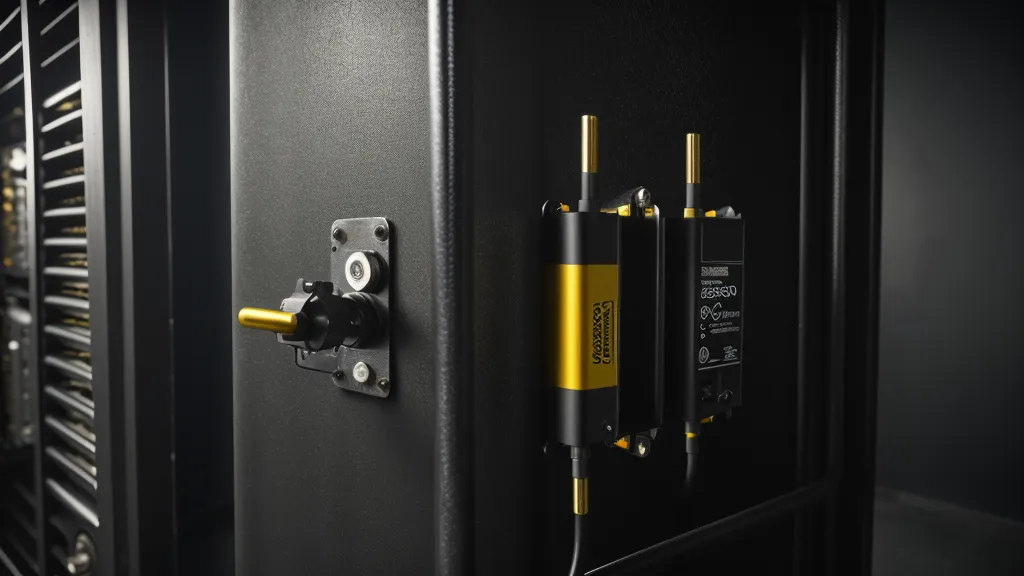
A shunt does for your electrical system what a packet sniffer does for a network line — every electron leaving the battery or coming in from the panels has to pass through it. It's a precision piece of metal wired into the negative side of the circuit, and most consumer shunts you'll find are rated around 500A/50mV, which gives the monitor enough resolution to calculate exactly how much energy moved and when.
Mounting one is not glamorous work. Getting the shunt onto the negative terminal usually means crawling behind the battery rack with a flashlight clenched in your teeth, and unboxing the kit itself has its own small ritual — that papery crinkle of anti-static bubble wrap coming off a new monitor, right before you're elbow-deep in cable ties again. A forum contact of mine, Kwame Asante (we met years back on a thread about charge controller wiring and still trade test data over email), is the one who keeps me from drawing conclusions off a single reading. His rule is to log a full day of numbers before trusting anything the monitor says, which is annoying advice and also correct.
Live terminals are the real hazard in this step, not the wiring logic itself. A wrench or socket bridging the battery terminal to a grounded rack can arc hard enough to weld itself to the metal — low voltage doesn't mean low current, and a 12V bank can push more amps through a short than most people expect. If you're not fully comfortable working around live terminals, this is a good place to bring in a licensed pro instead of learning the lesson the expensive way.
Ghost Loads: The Real-World Draws Voltage Never Shows
Once the monitor is live, ghost loads become impossible to ignore — the electrical equivalent of background network traffic, the little pings and syncs eating bandwidth even when nobody's actively browsing. In my garage, that meant an old beverage fridge pulling noticeably more current than its nameplate rating suggested, especially once the garage temperature climbed past the point where the compressor started working overtime. That single number reframed how much my Phoenix electric bill was actually driven by appliances I'd stopped thinking about, not the big, obvious loads everyone budgets for.
This is really a miniature home energy audit, just running continuously instead of a one-time walkthrough. It's also where the gap between claimed and measured output shows up most clearly — a rack of network gear rated for one draw on paper and pulling something else entirely once it's humming through a hot afternoon. Watching the real wattage number instead of the spec sheet is what showed my earlier capacity estimate was off by roughly 25 percent; I'd been ready to add more panels when the actual bottleneck was battery capacity and a cooling fan I'd forgotten was even running.
When State of Charge Can Mislead You
Short answer: sometimes, yes.
That high-precision State of Charge percentage on the screen is a calculated estimate anchored to the last full charge, and the calculation drifts the longer you go without hitting 100 percent. A monitor reading 80% can genuinely be sitting closer to 65% if it's been a while since the last full cycle, which is exactly why voltage-based health checks matter more than the percentage most people stare at. If a power tool drops the bank from 13.3V to 12.6V instantly, that's rising internal resistance in the cells, regardless of what the percentage claims — like a CPU reporting 10% utilization while it's actually thermal-throttling and crawling. How exposed a system is to that kind of sag also comes down to decisions made well before the monitor ever goes in: how the bank was sized for the actual load, whether the cells are wired in series or parallel, and whether the charge controller feeding it is a PWM or MPPT unit, since that changes how clean the incoming charge is to begin with. I covered the controller side of that after switching mine following months of side-by-side testing — a monitor is only as useful as the system feeding it good data.
Turning Monitor Data Into Actual Decisions
Real numbers change what you do with a system, not just what you know about it. During the worst of a mid-July heatwave, having actual data meant cutting non-essential loads at a specific point instead of guessing, and still having enough in the bank to reach sunrise. That's the practical payoff — not a spreadsheet hobby, just fewer nights wondering whether the freezer makes it to morning.
The data also helps when something's actually broken instead of just inefficient. A reader named Juniper Halloway once emailed me about a 12V DIY battery bank that kept tripping its breaker, with labeled photos of every connection attached before I even asked for them, which made the diagnosis fast. The interconnect wire between her batteries turned out to be undersized for the load, not the cells themselves — exactly the kind of thing a shunt-based monitor flags as an unexplained voltage drop long before a breaker trips.
In two years of running solar gear out of a two-car garage that now looks like a workshop crossed with a Radio Shack clearance aisle, the monitor is the one upgrade that changed how I make decisions rather than just what I know. If you're still estimating battery levels from a cheap voltmeter, a shunt is worth the crawl-behind-the-rack installation — it's also useful groundwork when comparing something like the Energy Revolution System against standard solar panel kits, since real consumption data shows exactly where a pre-packaged system holds up and where it doesn't. Trust the amp-hour count over the percentage, trust the voltage sag over both, and check the wiring before blaming the battery.